How to sign up
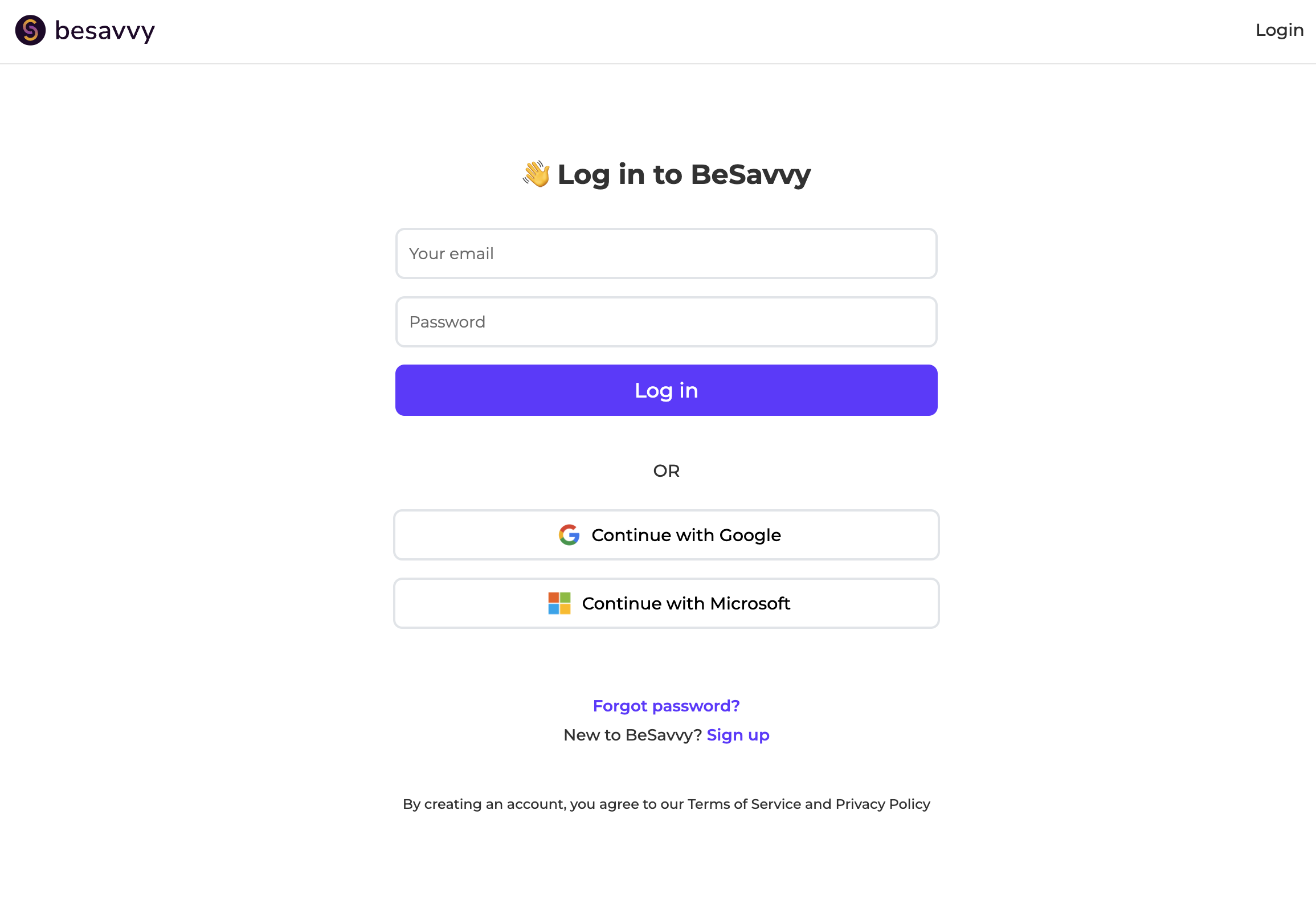
Registering on BeSavvy is designed to be straightforward, so you can get into a simulator quickly and then personalise your experience when you are ready.
There are several options:
- Email + password: create an account with your email address and a password.
- SSO: sign up using Google or Microsoft.
- Other SSO providers: if your organisation uses a different SSO provider, tell us and we’ll advise on options.
- Password resets: you can always reset your password if you forget it using your email.
What to configure on your Account page (recommended):
Once you have created an account, it is worth spending a minute on your Account page, because the settings there improve the accuracy of feedback you get inside simulators. BeSavvy’s feedback system can adapt based on who you are, what you do, and how you prefer to learn. The more relevant your context, the more targeted the feedback will feel.
These settings help the feedback system inside simulators tailor guidance to your context.
- Jurisdiction: select the jurisdiction you primarily practise in).
- Experience level: choose your current level.
- Feedback system setting: “Facilitating” (the simulator encourages you to explore and reflect with support), "Concise" (focused summaries that highlight the key takeaways without extra detail. For those who like to get new information fast) and "Detailed" (Comprehensive explanations with step-by-step breakdowns and extensive context. For those who want to dig deep into the details.)
What to do next: Register, then spend 60 seconds in your Account settings. It is the simplest way to improve the quality of feedback you receive in simulations.