2. How to Build an AI-Powered Proofreading Exercise for Law Firms in Just 1 Minute
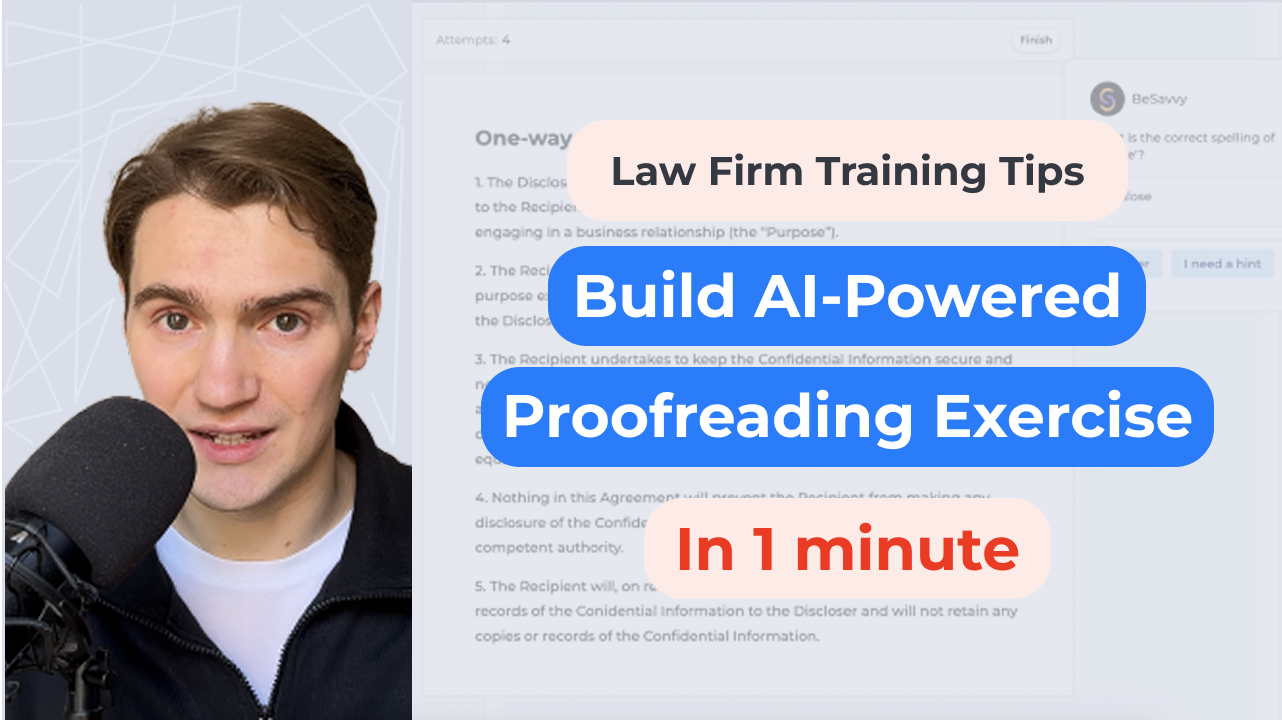
In today’s legal environment, effectively training junior associates and trainees is critical for maintaining high document quality and boosting overall efficiency.
In this resource, you'll learn how to build AI-powered proofreading exercises, perfect for legal associate training, onboarding simulations, and enhancing trainee proofreading skills.
An AI-powered proofreading exercise is a simulated scenario designed to help law firm associates and trainees spot and correct grammar errors and typos embedded intentionally in a legal document. This interactive method:
Start by logging into the BeSavvy Simulation Platform. Go to your account page. Go to Developer page. Click new course “Create” button. You will find yourself inside the first simulator of your course.
Select the content block suitable for text editing or proofreading exercises. This is the "Doc Editor" block in our case.

Paste or upload your base legal document into the text prompt field. For this example, we will use a non-disclosure agreement (NDA).
Instruct the AI clearly:
“Turn all underlined parts of the document into typos that the trainee needs to fix.”
Identify specific sections to introduce errors. All you need is to select the text, add an error / typo and then underline it.
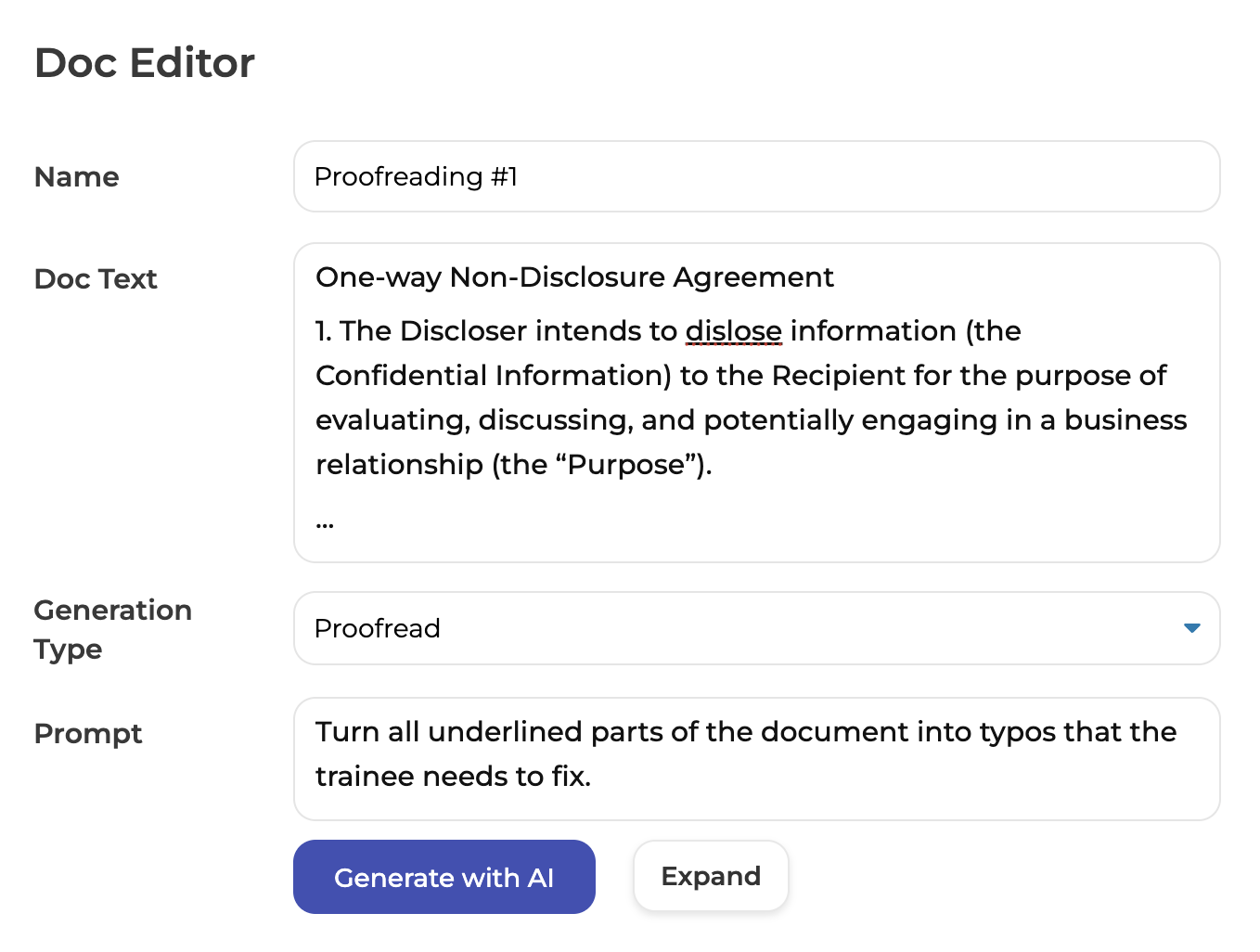
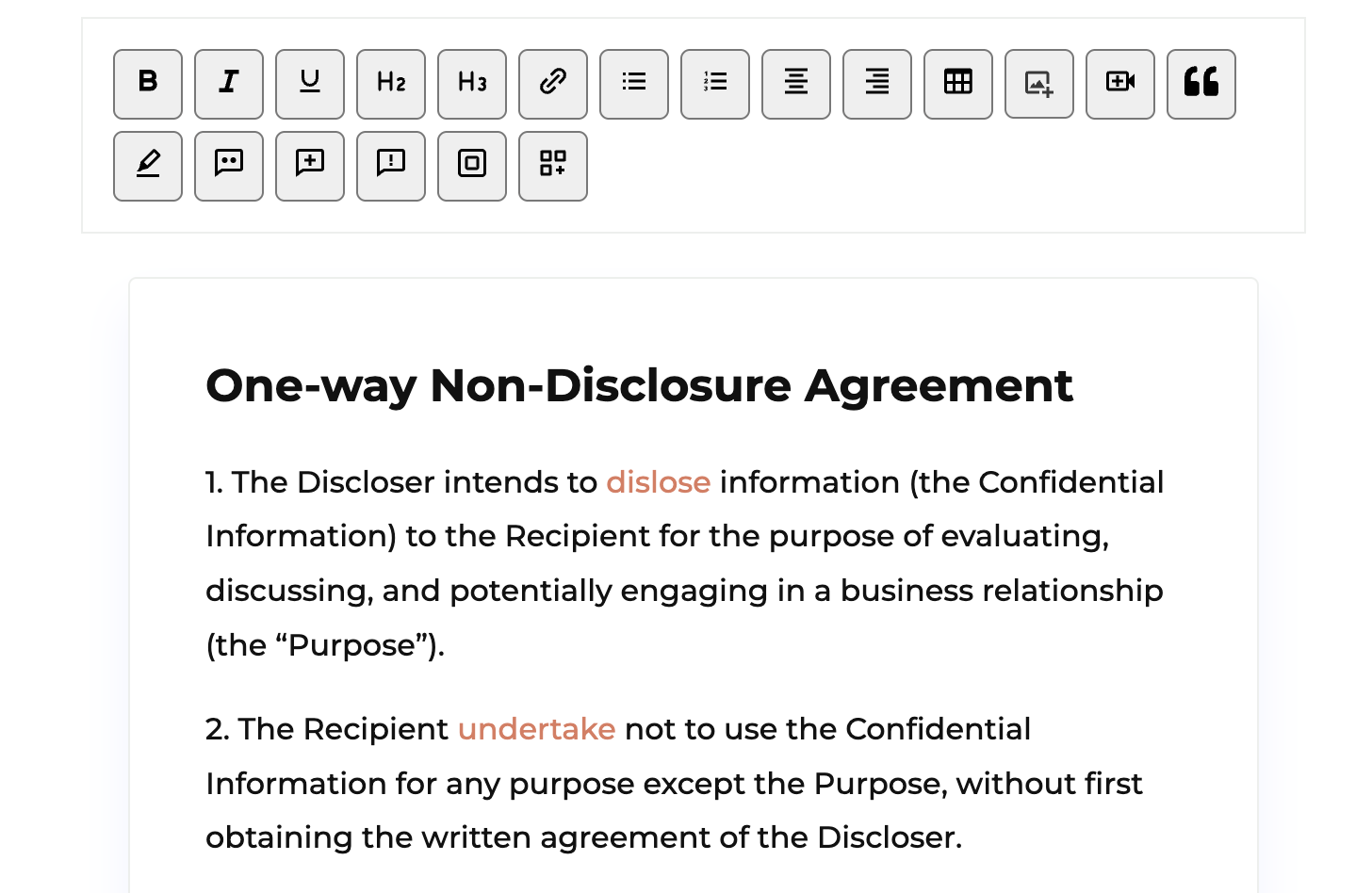
Click 'Generate with AI' — the simulation will be created in 30-40 seconds, highlighting newly created errors with red.
Click "Save".
Test if everything works well. If something is incorrect, click "Update" and make changes. To learn how it is done, watch the video below.
Share the task by sending the link from the Settings section on top of the page to lawyers who might need it.
Allow trainees to practice fixing errors. Each correction attempt is tracked, and they receive instant feedback.
You will also be able to see their results in a short table making it easy and quick to track progress or make hiring decision.